

Get Started
Before you can make API calls, you need an API key and your Organization ID.1
Create a Pinkfish account
Sign up at pinkfish.ai if you don’t have an account.
2
Create an API key
Go to Settings → API Keys → Create. Copy the key immediately — it’s only shown once.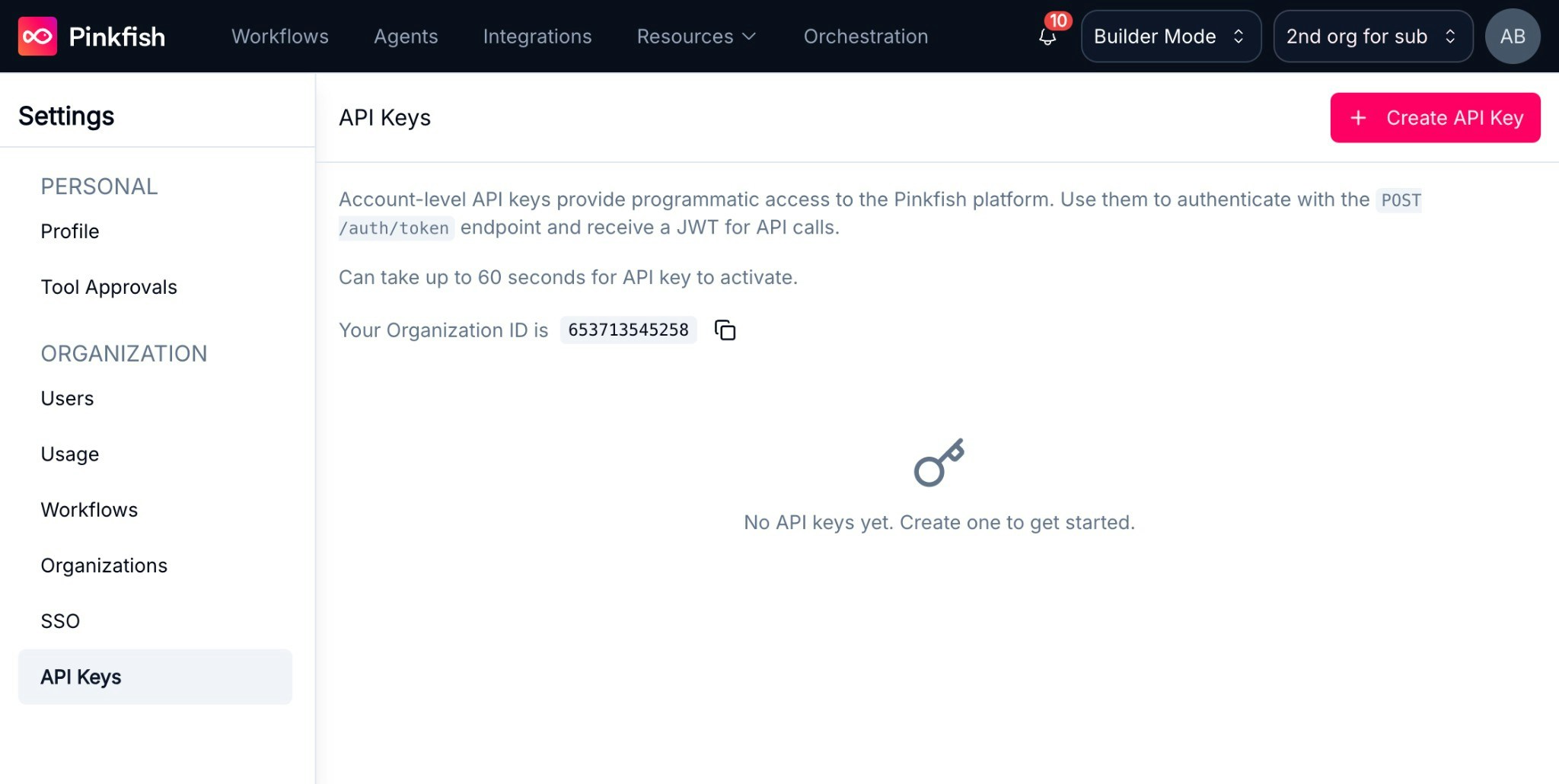
3
Find your Organization ID
Your Organization ID is displayed on the Settings → API Keys page, or under Settings → Organization.
New API keys may take up to 60 seconds to activate.
How It Works
Every API call follows two steps:- Authenticate — Exchange your API key for a short-lived runtime token (JWT, 60 min)
- Call a tool — Send a JSON-RPC 2.0 request to the MCP Farm with your token
Quick Start
Requirescurl and jq. Replace YOUR_API_KEY and YOUR_ORG_ID with the values from the steps above.
To use application MCPs like Google or Microsoft services (Gmail, Slack, Google Drive, etc.), you will additionally need to retrieve a PCID. See the Connecting to MCPs documentation to learn how.